The Umbrella Method: One Claude Code Workspace for Every Repo
Why I stopped running one AI coding session per repository and put all my repos under a single workspace. What that fixed, the four things that went wrong along the way, and the rules that came out of each.

My product is spread across more than ten repositories. Firmware for the device, a backend, a web app, a mobile app, a CRM, an update server, several websites. For a long time I worked on them the way most people do with an AI coding assistant: open a repo, start a session, work. One repo, one session.
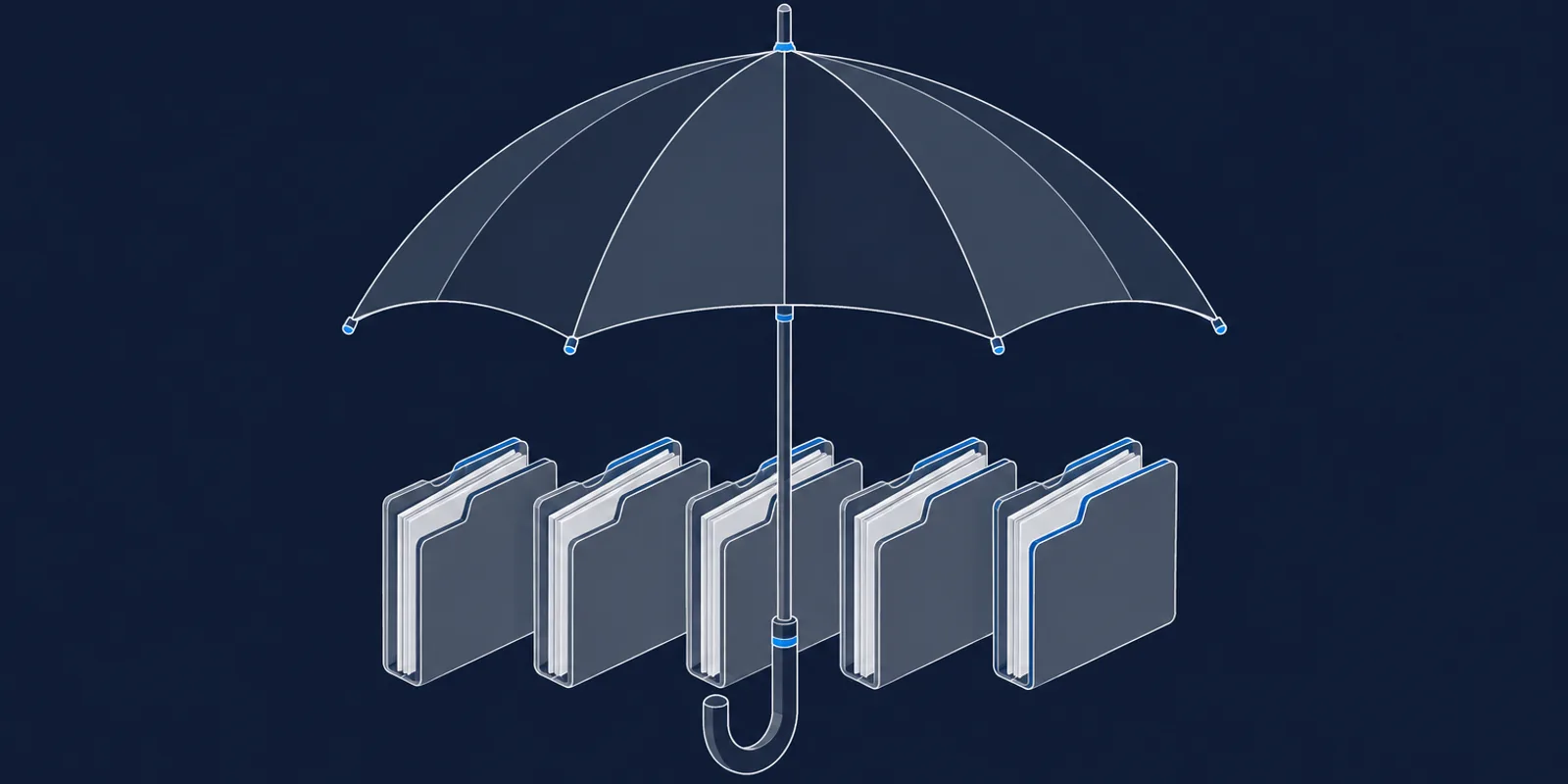
Today I start every session from one folder that sits above all of them. I call it the umbrella. This is why I moved, what broke along the way, and what I would keep.
The problem with one session per repo
Almost nothing I build lives in one repository. A new sensor type touches the firmware, the backend, the web app, sometimes the mobile app, and the product datasheet. A change to an API response touches the backend and at least one client.
With one session per repo, each session knew its own repository well and knew nothing about the others. The backend session did not know what the web app expected. The web session had never seen the endpoint it was calling. So I carried the information between them by hand. I described the response shape to one session, pasted an example into another, and hoped I had not left a field out.
Each session also kept its own memory. A lesson learned in the backend session, such as a quirk in how the database returns large numbers, stayed in the backend session. The session working on the web app had no way to know it.
The work was fast inside each repo and slow at every border between them. Most of my bugs were at the borders.
What the umbrella is
The umbrella is a plain folder. It is not a git repository and it is not a monorepo. Every repo inside it keeps its own git history, its own remote, its own deploy pipeline. Nothing about how the code ships has changed.
Three things live at the top:
- One instruction file for the whole workspace. It has a table of every repo and what it does, a section on how the pieces talk to each other, and a list of changes that always span several repos and which ones.
- One shared memory. A lesson learned while working on the firmware is available the next time I work on the backend.
- A few guard rails, which I will get to, because each of them exists because something went wrong.
Each repo still has its own instruction file with its own conventions. The assistant loads it the first time it opens a file in that repo. So the top file stays short and the detail stays next to the code it describes.
The effect is that a feature that touches three repos is one conversation. The assistant changes the backend endpoint, then updates the web app that calls it, then the mobile app, and it has the real response shape in front of it the whole time because it just wrote it.
What went wrong
The umbrella fixed the border problem. It also created four new problems over the following months, and each one left a rule behind.
A push went to the wrong repo
With ten repos in one workspace, every git command has to be aimed. One evening the assistant changed directory into one repo, and a later command ran in a different one, because the shell had quietly returned to where it started. It rewired one repo’s remote to point at another repo’s address and pushed. One project’s entire history landed in another project’s remote.
It was recoverable, but only because I caught it straight away. The rule that came out of it is simple: every git command names its repository explicitly, in the same command, and confirms the remote before any push. Never trust the current directory.
Two sessions shared one checkout
I often run several sessions at once. Two of them were working in the same repo, on different features. One session shipped. It staged a shared file that the other session had already edited, without the new file that edit depended on. The pushed code crashed on import, the build went red, and the deploy was refused. I found out at one in the morning when a feature I had just shipped was nowhere to be seen.
The rules from that night: before any commit, look at the list of changed files and treat every file you did not touch as a warning. Stage files by name, never everything at once. And when another session is active in the same checkout, do the release from a separate working copy, so nobody’s half-finished work can be swept in.
Every small fix became a release
An assistant that can commit will commit. A session full of small fixes produced a commit for each one, a build run for each commit, and a version history nobody could read.
I wrote a rule: stop after the edit, and ship only when I say so. But a written rule can be forgotten, and that is not good enough for something that deploys to production. So the rule became a hook, a small script that runs before every shell command and blocks a commit, a push or a version bump unless the command carries an explicit marker that I approved it.
The cost, and a cure that was worse
One large workspace means long sessions, and long sessions are expensive. I measured a week: 36 sessions and about 4,600 turns. Roughly 70% of the cost was the assistant re-reading the conversation so far on every turn. The shared instruction file and memory, which I had assumed were the problem, were well under 15%.
So I capped how long a conversation could grow before it was summarised, and moved helper tasks to a cheaper model. The work got worse immediately. The cap fired in the middle of real tasks and replaced the assistant’s reasoning with a summary of it. It stopped thinking problems through. I removed both changes the next morning.
What stayed is cheaper and duller. I clear the session between unrelated tasks. The assistant reads each file once. Small rules that cost nothing in quality.
The lesson I took is to be suspicious of any saving that works by giving the assistant less to think with.
What I would keep
After half a year, these are the parts I would rebuild first:
- The repo table and the cross-repo patterns in the top instruction file. The second one matters more than it looks. A line that says “a new device field means backend model, migration, ingest path, every read endpoint and the frontend” prevents a whole class of half-finished changes.
- Shared memory that stores lessons. I made the mistake of letting it fill with status notes like “feature X built, not shipped yet”. They went stale within days and misled later sessions. A memory should hold the thing that would otherwise be learned twice.
- The commit hook. It is thirty lines and it has saved me more than anything else here.
- Explicit repository paths on every git command.
The limits are real too. This works because I am one person who holds the whole product in his head. A team would need more structure around who is changing what. It does not replace understanding your own system: the assistant can hold the detail of ten repos, but I still have to know what I want built.
If you want to set one up, I wrote the steps as a separate guide with the template files.