Guides AI engineering
Claude Code Multi-Repo Setup: Build an Umbrella Workspace
Step-by-step guide to running Claude Code across several repositories in one session. Set up a parent workspace with a shared instruction file, per-repo rules, a commit guard hook and safe git habits. Template files included.

- Level
- Beginner
- Steps
- 9
What you will have
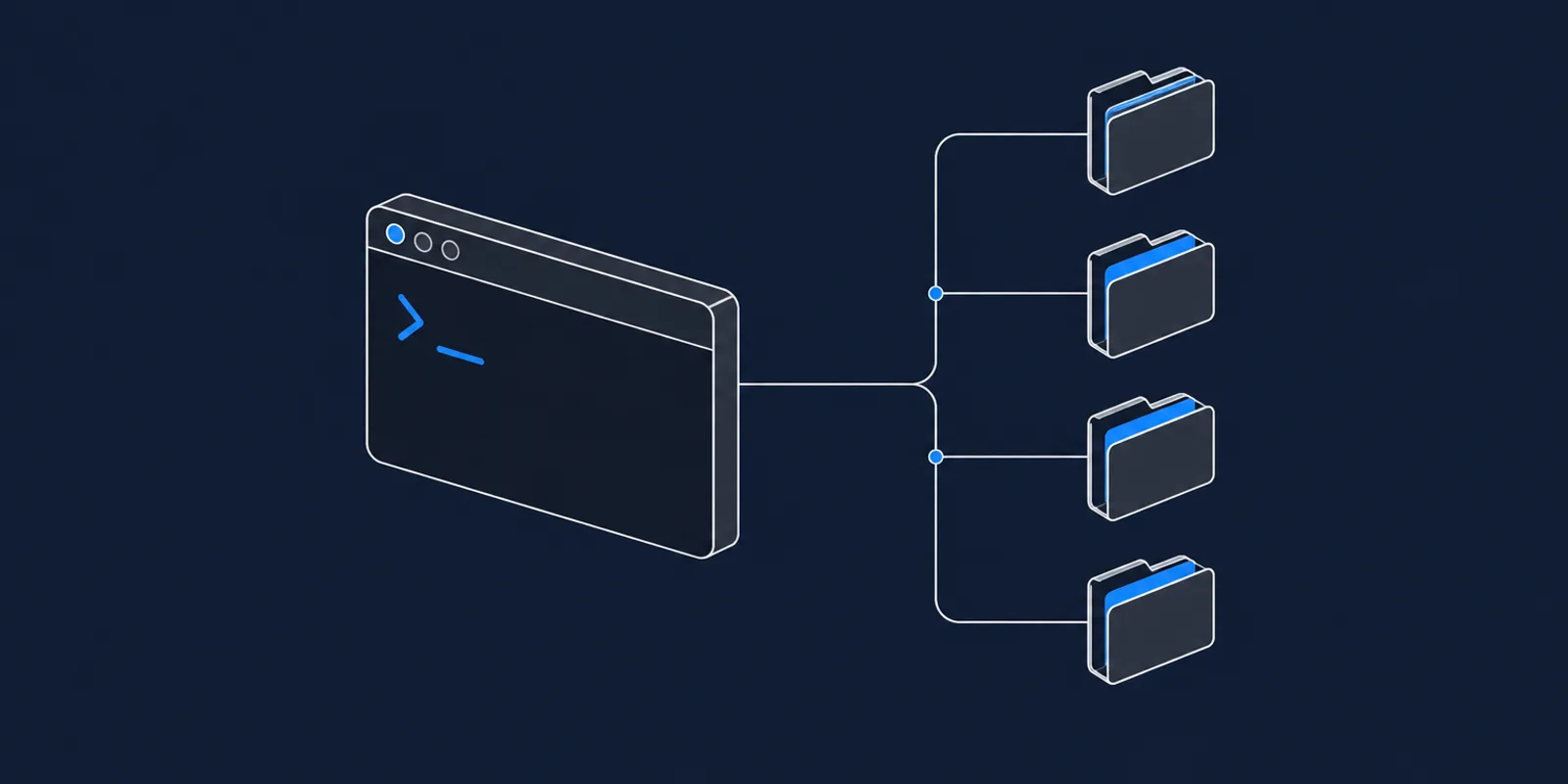
One folder you start every session from, where the assistant can change several repositories in a single conversation, knows how they connect, and cannot commit or push until you approve.
What you need
- Claude Code installed
- Two or more git repositories that belong to the same product
Do it with an AI assistant
This guide comes with a skill file. Give it to your AI coding assistant and it will know the steps, the commands and the traps, so it can walk you to the same result.
In Claude Code, save it as .claude/skills/claude-code-multi-repo-workspace-setup/SKILL.md. In any other assistant,
paste it at the start of the chat.
Files
- CLAUDE.template.md 2 KB
The workspace instruction file with every section in place. Rename to CLAUDE.md and fill in.
- commit-guard.sh 1 KB
The hook that blocks commits, pushes and version bumps until you approve.
- settings.json 253 B
Wires the hook into the workspace. Goes in the .claude folder.
- ignore.txt 422 B
Keeps dependency and build folders out of searches. Rename to .ignore.
 Why I work this way The Umbrella Method: One Claude Code Workspace for Every Repo Read the article
 This is the setup I use to work on more than ten repositories from one Claude Code session. The workspace is an ordinary folder. Your repositories, remotes and deploy pipelines stay exactly as they are.
Put the repos side by side in one folder
Create a parent folder and move or clone your repositories into it.
mkdir my-workspace && cd my-workspace
git clone [email protected]:you/backend.git
git clone [email protected]:you/web.git
git clone [email protected]:you/mobile.git
Do not run git init in the parent folder. It is a container. Each repository inside keeps
its own history and its own remote.
From now on, start Claude Code from the parent folder, never from inside a repo.
cd my-workspace
claude
Write the workspace instruction file
Create CLAUDE.md in the parent folder. Claude Code reads it at the start of every session.
Download CLAUDE.template.md from the Files box, rename it, and fill in four sections:
- A table of the repos. Folder name, technology, and one line on what it does.
- How the pieces talk. Which repo calls which, over what, and where the routes or message handlers live.
- Cross-repo change patterns. For each kind of change that spans repos, the full list of places it touches. This is the section that prevents half-finished features.
- What not to do. Things that look reasonable and are wrong in your project.
A change pattern looks like this:
- **Changing an API response shape:** backend controller, plus the web app or the mobile app
  (or both) in the same session, so the contract cannot drift.
- **Adding a field to a record:** backend model, migration, write path, every read endpoint,
  and the frontend that shows it.
Keep this file short. It is sent with every message, so every line costs you on every turn.
Keep a detailed instruction file inside each repo
Each repository gets its own CLAUDE.md with its conventions: how to run it, how to test it,
its naming rules, its known traps.
Claude Code loads a repo’s file the first time it reads a file inside that repo. So the detail arrives when it is needed and stays out of the way otherwise.
Add this line to the workspace file so the assistant does not waste effort re-reading them:
Each repo has its own CLAUDE.md. It loads automatically the first time you read a file in
that repo. Do not read it again once it is in context.
Keep heavy folders out of searches
A workspace with several repos contains several dependency folders, and searching through
them is slow and useless. Download ignore.txt, rename it to .ignore, and put it in the
parent folder.
node_modules/
build/
dist/
.venv/
__pycache__/
Add the build and dependency folders your own stack produces.
Install the commit guard
An assistant that can commit will commit, and in a multi-repo workspace a wrong push can hit the wrong production repo. Make approval a hard gate.
Create a .claude folder in the workspace with a hooks folder inside it. Put
commit-guard.sh in hooks and make it executable, and put settings.json in .claude.
mkdir -p .claude/hooks
mv ~/Downloads/commit-guard.sh .claude/hooks/
mv ~/Downloads/settings.json .claude/
chmod +x .claude/hooks/commit-guard.sh
The settings file tells Claude Code to run the script before every shell command:
{
  "hooks": {
    "PreToolUse": [
      {
        "matcher": "Bash",
        "hooks": [
          { "type": "command", "command": "\"$CLAUDE_PROJECT_DIR/.claude/hooks/commit-guard.sh\"" }
        ]
      }
    ]
  }
}
The script blocks git commit, git push and version bumps. When you have told the
assistant to ship, it adds the marker # ship-ok to the command, and the script lets it
through.
Then state the rule in the workspace file too, so the assistant knows what to do when blocked:
Do not commit, push or bump versions on your own. Stop after the edit and say it is ready.
When I say "ship", run the command with `# ship-ok` appended.
Make every git command name its repo
The shell’s current directory is not reliable between commands. In a workspace of several repos, a git command in the wrong directory changes the wrong project. Add this rule:
For any git operation, use `git -C <repo-folder> ...` and never rely on an earlier `cd`.
Before any push, print the remote in the same command and check it.
A safe push looks like this:
git -C backend remote -v && git -C backend push origin main # ship-okSet rules for memory
Claude Code keeps notes between sessions, tied to the folder you start from. Because you now always start from the workspace, every repo shares one memory. Tell it what belongs there:
Memory holds lessons that would otherwise be learned twice: a non-obvious trap, a decision
and its reason, a preference. Do not store status such as "feature built, not shipped yet".
It goes stale, and git history already records it.
Add rules for running sessions in parallel
Skip this step if you only ever run one session. If you run two at once in the same repo, add these three rules, each of which comes from a real failure:
- Before staging, run `git status`. Any changed file you did not edit belongs to another
  session. Do not stage it.
- Stage files by name. Never `git add -A`.
- Never `git stash` to get a clean tree. Use a separate `git worktree` instead.
Test it with a change that crosses repos
Start a session in the workspace and ask for a small change that touches two repos. For example, add a field to an API response and show it in the web app.
Check four things:
- The assistant edits both repos in one conversation.
- It mentions the conventions of each repo, which means each repo’s file loaded.
- It stops after the edits and tells you it is ready to ship.
- When you say “ship”, each repo gets its own commit and its own push.
If the third check fails, the hook is not wired. Confirm that settings.json is in the
.claude folder of the workspace and that the script is executable.
All 9 steps done.