IoT
Biometric Workforce Attendance for Farms: Building ID Card OCR That Survives Real Fields
How I built a biometric workforce attendance system for Israeli and Palestinian farms. ID card OCR with Gemini, blur detection, GPS geofencing, device fingerprinting, and the early-morning production incident that forced me to rebuild the entire forensics pipeline. What actually works when you deploy biometric identity verification at dawn in a dusty field.

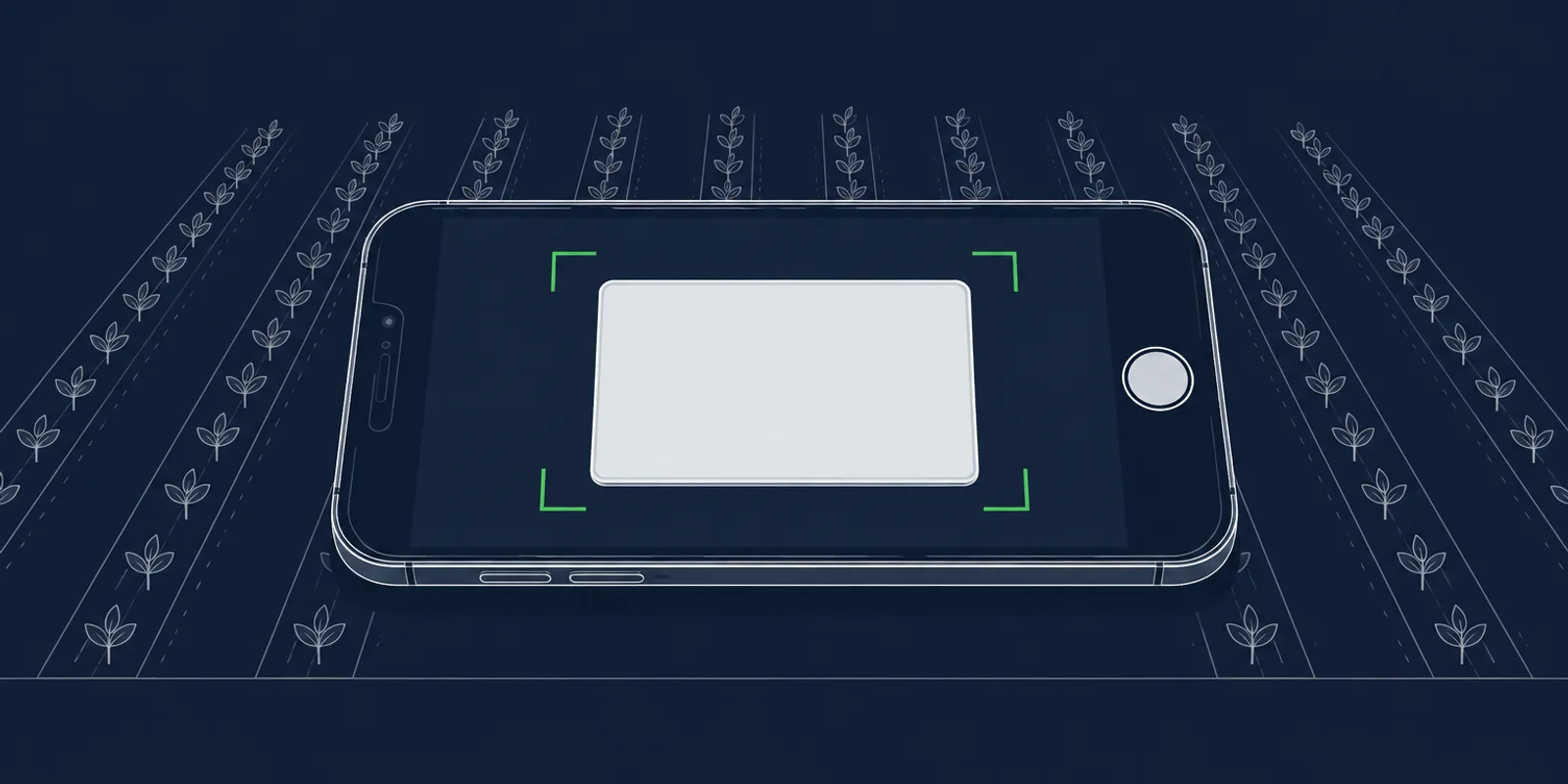
Just before 6 AM on a Tuesday, a rayis on a farm pointed his phone at a worker’s ID card and pressed the capture button. The OCR returned the name and ID of a different worker, registered in the database a week earlier.
The 9-digit ID number it hallucinated happened to match that other worker’s record. The system pulled up the wrong profile and logged the day’s entry against it. By the time the rayis noticed, a full shift had been worked under someone else’s name. Two incident reports got filed. A crew chief was about to argue with the wrong person about hours.
That was my system. That morning broke a production scan. It also forced me to rebuild the forensics layer from scratch and ship the whole thing in one week. This post is about what the biometric workforce system does, why every piece of it exists, and the real-world mistakes that shaped it.
Why farm workforces are hard to track
Agricultural labor runs on daily workers. They arrive before dawn, sometimes in minibuses from villages 40 kilometers away. They work in crews of 5 to 50, scattered across plots that can be a kilometer apart. They get paid daily or hourly. Most have no corporate email, no employee ID badge, no fingerprint reader waiting for them at a factory door.
On most farms, attendance tracking is either paper sheets filled out by a crew chief called a rayis (Arabic for “chief”), or nothing at all. At the end of the week, the farm owner trusts what the rayis wrote down. Disputes are common. A worker says he was there ten hours. The rayis remembers eight. The farm owner pays what he’s comfortable with. Nobody can prove anything.
Israeli and Palestinian agriculture adds two more complications. Most daily workers are Palestinian, so the ID cards are bilingual (Arabic plus Hebrew), and some workforces include Thai migrant workers whose Thai national IDs follow a completely different format. The rayis might speak Arabic. The farm owner reads Hebrew. The platform backend expects UTF-8. Everything has to work across three scripts and two right-to-left languages without ever asking the person scanning to pick a language.
The product problem is simple. The rayis should be able to point a phone at a worker’s ID and a worker’s face, press one button, and have the system record who entered, when, where, and for how long. The engineering problem is that in a real field at 5 AM, half of that is about to go wrong.
The first version, and what it missed
The naive version took a weekend. Mobile web page, two camera inputs (ID card and face), one submit button. Backend receives both images, runs OCR on the ID card, pulls out the 9-digit ID number and the name, looks up the worker record or creates a new one, writes an attendance row. Exit scans do the same thing and compute hours worked.
It worked in my office. It fell apart on the first real deployment.
The first week of usage produced a pile of problems that did not show up in any lab test. OCR read names that weren’t on the card. It confused the mother’s name with the worker’s last name. It returned 9-digit numbers that looked plausible but were off by one digit and happened to match a different worker already in the database. Supervisors scanned from their kitchen instead of the farm. Two supervisors shared one login. One supervisor clocked workers in at 3 AM when the work didn’t start until 5. Blurry images produced confident wrong answers.
Every one of those failures corresponded to a specific behavior I then had to design against. The rest of this post is the system that emerged.
The OCR layer: why hallucination is the real enemy
The system uses Gemini 2.5 Flash for ID card OCR. I started on Google Vision, fell back to Gemini for edge cases, and eventually cut Vision entirely. Gemini handles the bilingual layout of Palestinian IDs better and lets me write a prompt that constrains the structure.
Palestinian ID cards have a specific layout. Below the 9-digit ID number, five name rows appear in this exact order: personal name, father’s name, grandfather’s name, family name, mother’s name. Each row shows the name twice (Arabic on the left, Hebrew in the middle) with a small label on the right. The personal name (row 1) is the worker’s first name. The family name (row 4) is the last name. The mother’s name (row 5) is the field that gets mistaken for the last name over and over if you’re not careful.
The first rule I ever wrote into the Gemini prompt, before I knew what hallucination in this context would look like, was “row 1 is firstName, row 4 is lastName.” The second rule came a week later: “row 5 is the mother. NEVER use row 5 as firstName or lastName. EVER.” The all-caps came from anger.
The third rule came from staring at the Arabic column. Arabic and Hebrew on a Palestinian ID are phonetic equivalents of the same name. If the Arabic column shows a four-consonant name and the model returns a three-letter Hebrew name, one Hebrew letter was dropped. I added a spelling cross-check instruction: “glance at the Arabic in the left column of the same row and use consonant count as a verification for the Hebrew you returned.”
Then the blue stamp. Palestinian ID cards carry an official circular stamp in blue ink on the lower-left of the card. It usually overlaps rows 3 to 5. Early on, the model would return null for the family name because it couldn’t read through the stamp, and my code would fall back to the mother’s name instead. I rewrote the prompt to say: “the stamp covers the Arabic left column more than the Hebrew middle column, read whatever Hebrew letters are visible around or through the stamp, and if you can see 2 to 3 Hebrew letters use the Arabic on the same row to reconstruct the full name.”
The final rule, the hardest to get right, was anti-invention. “If you cannot read a field, return null. A null field is always better than a wrong field. Do not generate plausible-looking fake data.” Large models default to confidence. They want to give you an answer. My job was to make returning nothing more attractive than returning nonsense.
The checksum, and why it’s the last line of defense
Israeli and Palestinian national IDs are 9 digits. The ninth digit is a checksum computed from the first eight using a Luhn-like algorithm. Odd-position digits get multiplied by 1, even-position digits by 2, digits greater than 9 have their digits summed, everything adds up, and the total must be divisible by 10.
Every ID number the OCR returns runs through this checksum before it touches a worker record. If the checksum fails, the scan is rejected with a specific error message asking the rayis to retake the photo with better lighting. This is the single most important validation in the entire pipeline. Gemini sometimes returns a plausible-looking wrong number. A missed digit flipping 2 to 7 or 6 to 8 produces a string that looks like an ID but isn’t. The checksum catches it before the wrong worker record gets pulled up.
The checksum is what should have caught the cross-worker incident. It didn’t, because the hallucinated number Gemini returned happened to pass the checksum (there are 100 million valid 9-digit IDs, so random guesses have a 10% chance of passing). This is where the next layer earns its existence.
The blur gate
After the incident, I added a pre-OCR image quality gate. Before Gemini sees anything, the backend computes the variance of the Laplacian of the ID card image. In plain terms: convolve the grayscale image with a 3x3 kernel that approximates a second derivative, then compute the variance of the result. Sharp images have high variance (strong edges produce strong responses). Blurry images have low variance (everything averages out).
I calibrated the threshold against real incidents. The early-morning scan that caused the cross-worker misread scored 26 on my scale. A different bad scan where the OCR hallucinated only the first name (but got the ID number right) scored 120. Clean, well-focused ID cards score in the 315 to 419 range. I set the rejection threshold at 50. That blocks the catastrophic failure mode (wrong ID number → wrong worker record) while letting through scans that have minor problems the downstream checks can absorb.
The blur gate runs in about 8 milliseconds on a 500-pixel downscaled grayscale image. It runs before Gemini is called. If the image is too blurry, the supervisor gets an immediate “please rescan” message and the Gemini API call never happens. That’s a cost saving on every rejected scan, plus a correctness improvement because the model can’t hallucinate if it’s never consulted.
Preprocessing: surviving real-world light
Even above the blur threshold, raw supervisor photos are hostile OCR inputs. Workers hold their ID at arm’s length in bright desert sun, or in the dim interior of a minibus at 5 AM, or with a stamp partially obscuring the text. Before anything reaches Gemini, the image goes through a preprocessing pipeline:
- Grayscale. OCR doesn’t need color and grayscale is faster.
- Stats pass. Compute mean brightness and standard deviation.
- Conditional CLAHE. If the mean brightness is below 110 or the image has high variance in low light (mean below 140 and stdev over 60), apply CLAHE (contrast-limited adaptive histogram equalization) with 64x64 tiles and slope 3. CLAHE is a local contrast enhancer. It handles the “dark card in a bright room” and “bright card held in shadow” cases that global brightness fixes can’t.
- Normalize. Stretch to full dynamic range.
- Sharpen. Subtle sharpen pass to recover edges lost to motion blur.
The preprocessed image is the one Gemini actually sees. I store it to S3 alongside the original because when something goes wrong, I need to know what the model was looking at, not what the camera captured.
GPS and location rules
ID card OCR solves identity. It doesn’t solve location. A supervisor can scan from a kitchen, from a car driving past the farm, from another farm on the other side of the country. None of those should count as attendance.
The system has a Location model with polygon boundaries (plots, fields, greenhouses). Each account defines a set of permitted locations for workforce scans. At scan time, the supervisor’s browser sends GPS coordinates plus the GPS timestamp plus the accuracy. The server checks that the scan happened inside a permitted polygon, on a permitted day of the week, within a permitted time window.
Permitted locations can be scoped per supervisor. Rayis A can only scan on plots 1, 2, and 3. Rayis B can only scan on plot 7. If a supervisor has any scoped rules, those rules are their complete allowlist (strict mode). If a supervisor has no scoped rules, the account-wide rules apply. Time windows have entry and exit thresholds: “workers can enter between 04:30 and 10:00, with a 30-minute grace window before.” Day-of-week rules: “no Friday scans.” Each of these came from a real customer request.
The GPS data gets stored on the attendance row and on the biometric verification row, not looked up later. If the permitted polygons change tomorrow, past records still show the boundaries that were in effect at the time of the scan. This comes up in every audit.
Payroll stamping
This is a small design choice with huge consequences.
When a scan produces an attendance row, the worker’s payroll rate (daily rate, hourly rate, overtime multiplier, currency, max hours per day) gets copied onto the row as “stamped” values. Not referenced. Copied.
If the farm owner updates a worker’s hourly rate next week, past attendance rows still show what the worker was paid at the time. The rate lookup chain (worker override → supervisor override → account default → system fallback) resolves at scan time and gets frozen on the row. Nobody can retroactively change what a worker earned last month by editing the worker record.
This is the same pattern I use for location binding on sensor data. Stamp context at write time, never resolve from current state at read time. Every time I’ve taken a shortcut on this rule I’ve regretted it.
The forensics rebuild
After that incident, I spent a day trying to reconstruct what had happened. The biometric verification table had the Gemini confidence score but not the raw response. The attendance table had the final GPS coordinates but not the GPS timestamp (which is different from the submission timestamp, sometimes by minutes). There was no record of failed scans, no record of device identity, no record of the image Gemini actually saw after preprocessing.
The investigation took three hours and produced two incident reports that looked like three separate bugs. I realized the problem was not just the OCR hallucination. It was that I couldn’t tell the story of any scan fast enough.
I rebuilt the forensics layer in two tiers.
Tier 1: richer columns on existing tables. Every biometric verification row and every attendance row now carries the request ID (a UUID generated at scan start and propagated through the entire flow), client IP, user agent, device fingerprint, client-submitted GPS with accuracy and timestamp, server-computed GPS age, a flag for whether the scanning supervisor is the worker’s assigned supervisor, the OCR raw response as JSON, the OCR confidence, the image blur score, the URL of the preprocessed image Gemini saw, and a name-vs-stored-worker integrity flag. Attendance rows also carry the face image URL and ID card image URL stamped at write time, so when the UI displays historical attendance rows it shows the exact photo from that scan instead of dereferencing the current worker.faceImageUrl.
Tier 2: scan attempts log. A new workforce_scan_attempts table. One row per scan flow, keyed by request ID, upserted from both the React client (every stage transition) and the Sails server (on entry and exit). The stages are: started, gps_acquired, photos_captured, submitted, server_received, server_processed, completed, abandoned_client, failed_client, failed_server. Abandoned flows (worker walked away, camera permission denied, GPS denied) now leave a trace. Rejected flows (blur below threshold, checksum failed, location rule failed, time window failed, cooldown too soon after last scan) now leave a trace. Before this table, the only scans that left any evidence were successful ones.
The two tiers join on request ID. When I see something weird in the attendance log, I pull the request ID, fetch the scan attempt row, fetch the biometric verification row, and reconstruct the full timeline in seconds. The cross-worker incident now has a retain_until date set on its biometric verification row. The prune cron skips it. The raw Gemini response, the preprocessed image, the original ID card photo, and the face photo are all frozen until I close the incident manually.
Device fingerprinting
Device fingerprint is a SHA-256 of user agent plus screen dimensions plus timezone plus platform. It’s computed on the client and sent with every scan. Two different phones logged in with the same JWT produce two different fingerprints. If I see the same user ID submitting scans from two fingerprints within a few minutes, across two plots, that’s a login being shared. Combined with GPS, it’s a teleportation detector: same fingerprint with an impossible GPS jump means either a spoofed GPS or a corrupted reading. Different fingerprint with the same IP means two phones on the same WiFi, which usually means the actual scenario I care about: a supervisor handed the phone to someone else.
The fingerprint is not a security boundary. It’s an observability signal. Browsers fingerprint poorly by design and determined adversaries can fake it. But most shared-login cases in the field aren’t adversarial, they’re convenience (a supervisor has two phones and logs into both). The fingerprint surfaces the pattern so I can talk to the supervisor and understand what’s happening.
Retention
The forensic layer produces a lot of data. Raw Gemini responses are multi-kilobyte JSON blobs. Preprocessed images are large. I can’t keep everything forever.
The retention policy is split. All structured fields (GPS, confidences, blur scores, rejection reasons, request IDs, device fingerprints, IP addresses, user agents, timestamps, latencies, integrity flags) are retained permanently. They’re small and they’re the things I need for aggregate forensic queries across months or years.
All blobs (raw Gemini JSON, preprocessed image URLs and the underlying S3 objects, original ID card and face images) age out after 90 days. A nightly prune cron walks the table, nulls the blob columns, deletes the S3 objects, and moves on. For most scans, 90 days is plenty: if nothing has gone wrong in three months, the evidence is probably not needed.
For open incidents, I set retain_until to a future date on the biometric verification row. The prune cron honors that flag and skips the row. The cross-worker incident has retain_until set far enough out that the evidence outlives any dispute window. I can close it later by clearing the column and letting the next cron run prune it.
What I’d tell someone building this
Your OCR will hallucinate. Plan for it at the system level, not at the prompt level. The prompt helps. The checksum, the blur gate, the anti-invention instruction, the verified-worker flag that prevents OCR from overwriting confirmed data: those are the things that save you.
Fail loud, not silent. A null field is always better than a wrong field. If the model can’t read the name, reject the scan and ask for a retake. Do not fall back to “best guess” when the cost of a wrong guess is paying the wrong worker.
Every rule in your system exists because a failure happened. Keep the link. Comment the threshold values with the incident they came from. The blur threshold in my code has a comment listing three scores: 26 (cross-worker misread), 120 (first-name hallucination), 315-419 (healthy scans). Anyone touching that number in the future will see exactly why it’s 50 and not 100.
Observability is the foundation, not a nice-to-have. The forensics rebuild took a week. If I had built it six months earlier, the cross-worker incident would have taken fifteen minutes to diagnose instead of three hours, and the two crews involved would have had an answer before lunch instead of the next day.
Stamp context at write time. Don’t resolve from current state at read time. Payroll rates, GPS polygons, location boundaries, supervisor assignments: they all change over time. If your reports derive from current state, you’ve silently broken every historical calculation.
Real-world conditions are not lab conditions. The same ID card looks completely different in morning sun versus noon sun versus the dim interior of a transport van. Test with actual users in actual light. The only reason the blur gate is calibrated correctly is that I had months of production scan data to calibrate against.
What it looks like today
The system is running in production across multiple farms. Hundreds of scans per day. Every scan produces a request ID, a blur score, a Gemini confidence, a GPS coordinate with age, a device fingerprint, and either an attendance row (for successful scans) or a rejection reason (for failed ones). Supervisors see a simple UI: point phone, capture ID, capture face, submit. Behind that UI, eleven different validation layers run in a few hundred milliseconds.
The farm owner gets a weekly payroll report that reconciles exactly against attendance rows, with stamped rates that can’t drift, GPS coordinates inside permitted polygons, and face photos attached to each row for visual audit. The rayis can’t scan from home. The system can’t overwrite a verified worker’s name with a bad OCR read. A cross-worker kind of incident can still happen, but now I can reconstruct it in minutes and prove what happened.
Biometric workforce attendance on a farm isn’t a clever OCR demo. It’s a defense-in-depth system that assumes every layer will occasionally fail. The OCR will hallucinate, the camera will be out of focus, the GPS will drift, the supervisor will scan from the wrong place, the network will drop halfway through. The job of the system is to catch each failure at the right layer, refuse to produce a wrong record, and leave enough evidence behind that any dispute can be resolved from the data.
That’s what shipping identity verification to real fields looks like. Not a model. A stack of refusals, with a good audit trail.